Completing the picture with Manage Works

Close the loop with your community and bridge the gap between your office and field teams.
Most field operations are slowed down by low-quality reports and manual handovers that leave residents in the dark. As a first-of-its-kind innovation for Australian field teams, our Manage Works module transforms your workflow by not only connecting the community’s eyes directly to the technician’s hands - but by sending a photo of the completed job back again. By using visual evidence to show the job is done, you can build lasting trust and ensure your field teams have the professional tools they deserve.

Empower your teams with the Solve App
Give your crews and contractors a dedicated tool built by the same company that delivered the award-winning Snap Send Solve app.
The Solve App provides an easy-to-use mobile interface for technicians to view their daily work order queue. Whether leaving for site, arriving, or completing relevant checklists, the Solve app simplifies activity each step of the way.
By replacing legacy tech and manual paper-based processes with smart digital tools, your team can focus on what they do best: Solving issues in the community.
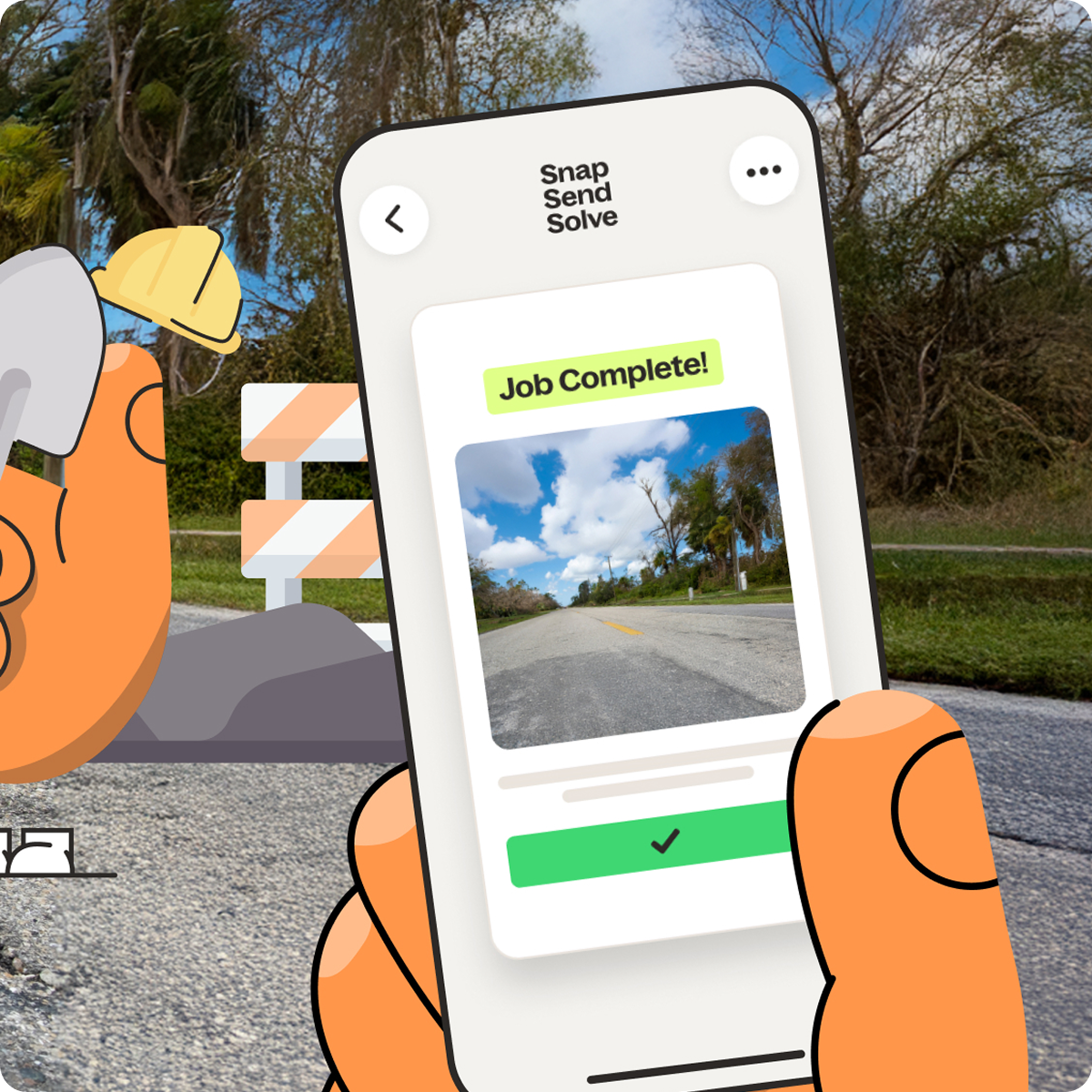
Completing the picture with visual resolutions
The most important part of any Solve is letting the customer know it's sorted. The Manage Works module allows your field teams to capture and add after photos the instant a job is complete.
Completing the picture for residents by passing status updates back to their timeline at every stage, provides the digital transparency modern communities expect.

Hard-wire compliance into every job
Manage Works provides the operational oversight you need to build safety and efficiency into every task.
Use the Work Order Builder to ensure that mandatory pre-work and post-work checklists are a standard part of every work order.
With these digital audit trails and rich field insights, you can monitor compliance and support your team in delivering consistent service across the council.
Scalable tools for smarter operations
Beyond the field, Manage Works provides a robust management layer designed to streamline how your organisation handles work orders from community requests. Whether you are managing internal crews or external contractors, these features ensure your workflow is professional and transparent.

- Smart triage & assignment: Dispatchers use the Portal to convert community reports into formal work orders in seconds by setting priority levels and adding specific notes for the technician. You can allocate jobs based on existing workloads to ensure sustainable ways of working for your field teams.
- Flexible scheduling and tracking: The portal gives you full control over when to schedule works so you can align with your SLAs. You can view existing work orders and planned maintenance on a central calendar to prevent scheduling conflicts and ensure consistent workloads.
- Field-to-office feedback loops: Field crews can use the app to capture relevant notes about assets, future work requirements, or technical feedback for the triaging team as they complete a task. This makes sure that expert on-site observations are recorded and passed back to the office rather than being lost in manual handovers.
- Contractor accountability: Manage external providers by tracking work order completion, average travel times, and resolution speed. This digital record of work allows you to measure impact on a service request type basis and reconcile contractor tasks with confidence.


Ready to see Manage Works in action?
See how Manage Works can help your team work smarter and complete the picture for your residents with faster fixes and visual proof.



%2520(1).png)
